SaaS SEO Tools to Help You Win Organic Search [by Category]
SaaS SEO tools are data-driven platforms built to help software companies manage complex search strategies across content, product pages, and long buyer journeys. These tools act as decision engines, helping marketers identify what to create, what to fix, and where to compete based on real search demand and competitive gaps.
This matters more than ever because organic search remains the backbone of SaaS growth. In fact, organic search drives 53.3% of all website traffic on average, making it the largest acquisition channel for most software companies. Without the right tools, however, most teams struggle to turn that opportunity into results, especially when managing hundreds of pages, keywords, and funnel stages at scale.
In this guide, we’ll break down the SaaS SEO tools that actually move the needle, helping you build visibility, capture high-intent traffic, and turn organic search into a predictable growth engine.
Queen of Clicks evaluates top solutions so your marketing stack integrates smoothly with existing operations. This helps teams scale without getting bogged down in technical setup.
With advanced search features and smart automation, you can speed up content workflows and reach the right audience with precision.

Key Takeaways
- Choose platforms that boost organic search while saving time.
- Focus on ROI and ease of integration with your marketing stack.
- Prioritize automation to free teams for higher-value content work.
- Use proven solutions that improve visibility and measurable performance.
- Queen of Clicks offers expert guidance to navigate complex platforms.
What Is the Role of SaaS SEO Tools
Cloud-based platforms let teams manage large content libraries while working from anywhere. These applications support remote collaboration and make it easier to scale processes across global teams.
Automation reduces busywork: routine publishing, metadata updates, and reporting can run automatically. That frees writers and managers to focus on strategy and creative work that drives organic search results.
Adopting the right systems is the first step to a resilient search plan. Platforms keep editorial calendars, asset versions, and performance data aligned with business goals. This reduces errors and speeds time to publish.
- Remote collaboration for distributed teams
- Automated workflows to cut repetitive tasks
- Centralized content governance to maintain quality
- Data-driven signals to guide topic and keyword focus
Essential Keyword and Content Research Platforms
Your content plan lives or dies by the data you gather during SaaS keyword research and competitor research. Pick platforms that offer clear metrics, fast reports, and useful intent signals so teams can plan pages that rank and drive traffic.
Semrush
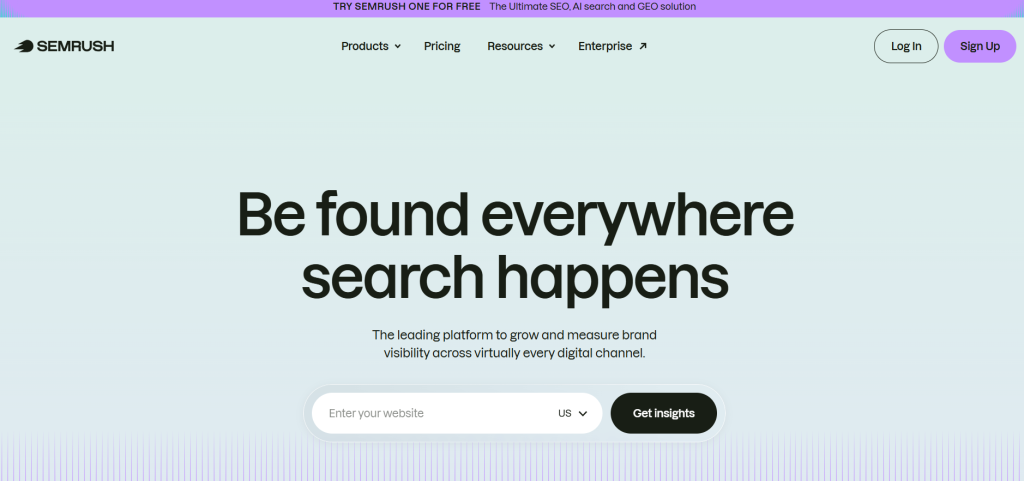
Semrush has evolved into a “unified marketing” platform. While its core is SEO, it is the only tool on this list that effectively bridges the gap between organic search, paid advertising (PPC), and social strategy.
- Standout Feature: The Keyword Magic Tool Unlike basic generators, this allows for advanced “intent filtering.” You can instantly strip away “informational” keywords to find high-converting “transactional” terms.
- The “One” Evolution: In 2026, Semrush introduced Semrush One, a bundled plan that integrates their classic SEO toolkit with a new AI Visibility Toolkit. This helps teams track how their brand appears in AI-generated answers (like ChatGPT or Google’s AI Overviews).
- Best For: In-house teams and agencies that need to manage a brand’s entire digital footprint, from tracking toxic backlinks to drafting SEO-optimized blog posts via their SEO Writing Assistant.
- Pricing Detail: * Pro: ~$139.95/mo (Standard SEO).
- Semrush One: Starts at ~$199/mo (Includes AI visibility and collaboration tools).
Ahrefs
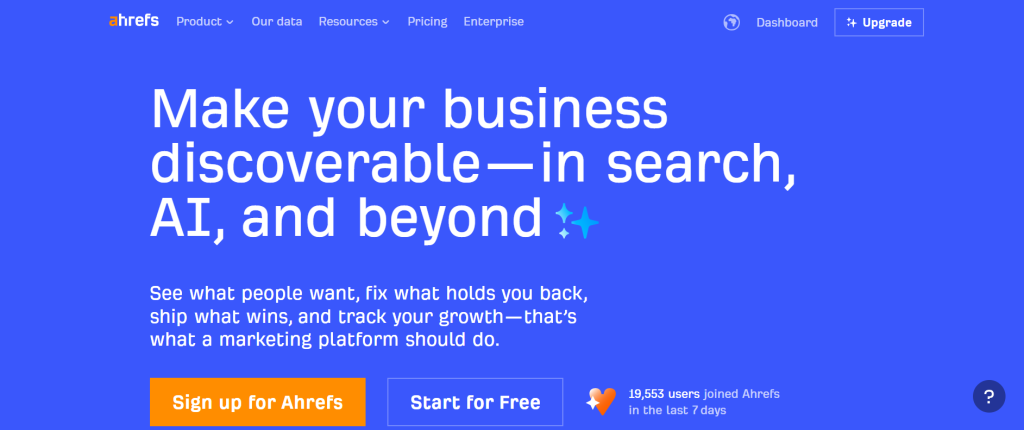
If Semrush is a Swiss Army knife, Ahrefs is a scalpel. It remains the favorite for “hardcore” SEOs because its data, specifically its backlink index, is widely considered the most fresh and accurate in the industry.
- Standout Feature: Site Explorer & Content Gap Ahrefs’ Content Gap tool is legendary. It allows you to input three competitors and see exactly which keywords they all rank for that you don’t. This provides an immediate “hit list” of content you need to create to stay competitive.
- Industry-Leading Crawl: Their bot (AhrefsBot) is the second most active crawler after Google. This means you see new backlinks and ranking shifts often days before other tools report them.
- The 2026 Shift: Ahrefs has moved toward a more restrictive credit-based system. While powerful, it requires users to be more intentional with their searches to avoid overage fees.
- Best For: Link builders, technical SEOs, and “search first” marketers who prioritize data depth over broad marketing features.
- Pricing Detail: Lite starts at ~$129/mo; Standard (recommended for most) is ~$249/mo.
LowFruits
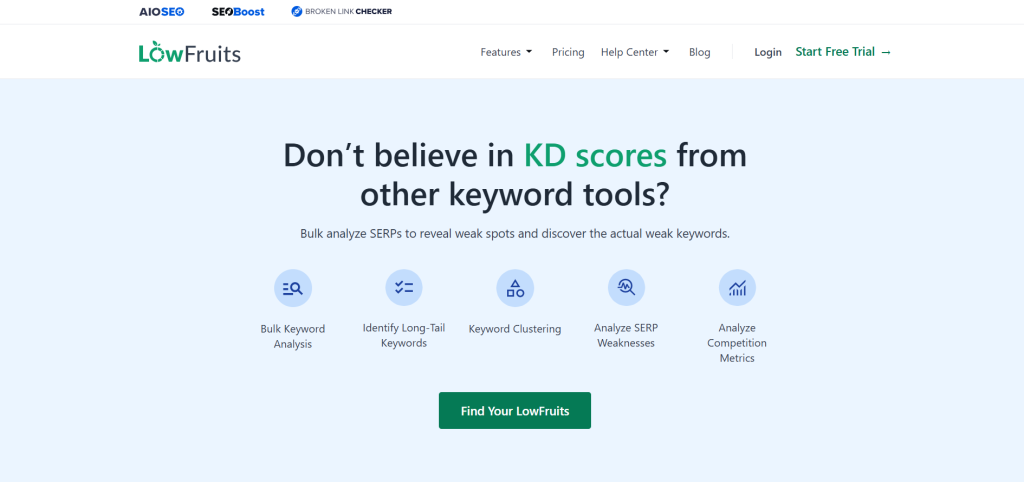
LowFruits is the disruptor in this space. While Semrush and Ahrefs focus on high-volume keywords that everyone is fighting for, LowFruits looks for the “weak spots” in the SERPs (Search Engine Results Pages).
- Standout Feature: SERP Weakness Detection LowFruits identifies keywords where “weak” sites (like forums, Quora, or low-authority blogs) are ranking on Page 1. This signals that a well-written article from you could easily “dethrone” them, regardless of your site’s age.
- Smart Clustering: It automatically groups keywords by “Intent Clusters.” Instead of writing ten different articles for ten similar keywords, it tells you how to cover them all in one comprehensive “Power Page.”
- Credit Flexibility: Its pay-as-you-go (PAYG) model is perfect for niche site builders or startups who only do heavy research once or twice a month.
- Best For: New websites, niche marketers, and bloggers who want to rank quickly without needing a massive backlink profile.
- Pricing Detail: PAYG credits start at ~$25 (2,000 credits); Subscriptions start at ~$29.90/mo for consistent users.
| Feature | Semrush | Ahrefs | LowFruits |
| Primary Strength | All-in-one Marketing (SEO/PPC/Social) | Backlink Depth & Data Accuracy | Finding Low-Competition “Easy Wins” |
| Keyword Database | 27B+ (Largest) | 20B+ (High Quality) | Google Auto-Complete (Real-time) |
| Ideal User | Multi-channel Marketing Teams | Data-driven SEO Specialists | Niche Site Owners & Startups |
| Unique Add-on | AI Visibility Toolkit | Brand Radar AI | SERP Weakness Analysis |
Top Writing and Editing Assistants
Clear, concise prose boosts reader trust and helps pages perform better in search. Writing assistants speed editing, keep tone consistent, and support content optimization across channels.
Grammarly
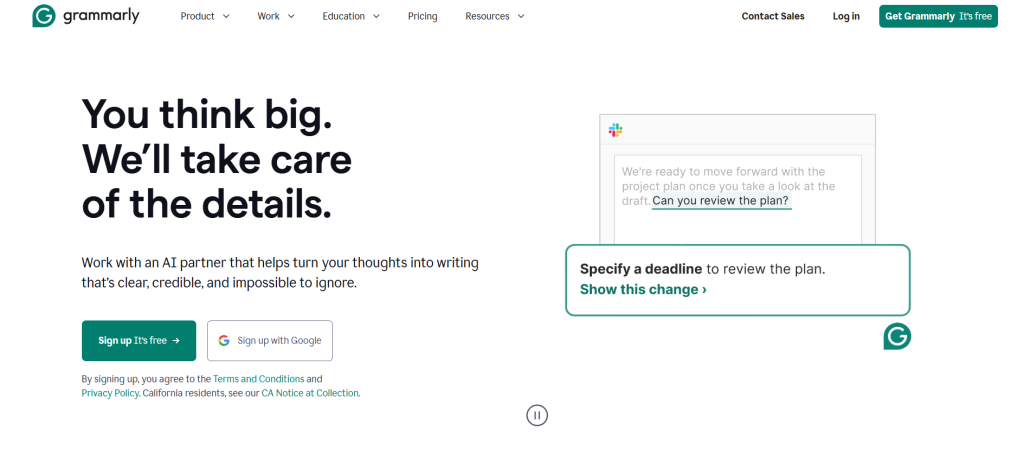
Grammarly has rebranded its core offering to Grammarly Pro, merging its previous Premium and Business features into one powerhouse plan. It is no longer just about fixing “your” vs. “you’re”; it’s about managing the entire communication lifecycle.
- The 2026 Update: AI Agents & 2,000 Prompts The Pro plan now includes 2,000 AI prompts per month. These “AI Agents” can brainstorm outlines, draft entire email replies based on your past style, and even “read the room” by predicting how a specific audience (e.g., a skeptical manager vs. a friendly client) will react to your tone.
- Strategic Knowledge Share: For teams, Grammarly now offers a “Knowledge Share” feature. If you hover over company-specific jargon or acronyms, it shows definitions and related internal docs, keeping everyone on the same page without leaving the browser.
- Best For: Busy professionals and marketing teams who need a “safety net” that works across every app, from Gmail and Slack to LinkedIn and Google Docs.
- Pricing: Free (Basic); Pro starts at $12/month (billed annually) or $30/month (monthly).
Hemingway Editor
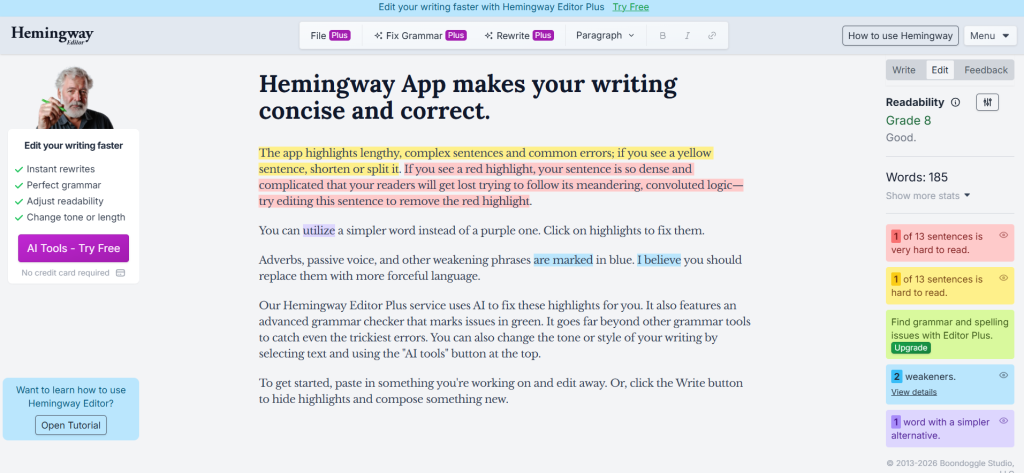
Hemingway remains the go-to for “bold and clear” writing, but it has split into two distinct paths: a one-time purchase for offline purists and a subscription-based AI model for modern creators.
- The “Plus” Revolution: While the classic $19.99 desktop app still exists for offline use, Hemingway Editor Plus is the new 2026 standard. It doesn’t just highlight a hard-to-read sentence in red; it uses AI to provide one-click rewrites that maintain your original meaning while slashing the word count.
- Readability as an SEO Metric: Hemingway is unique because it assigns a “Grade Level” to your writing. In 2026, search engines prioritize accessibility; aiming for a Grade 9 or lower ensures your content is digestible for the widest possible audience, reducing “bounce rates.”
- Best For: Bloggers, journalists, and technical writers who tend to be “wordy” and need to simplify complex topics for a general audience.
- Pricing: Free (Web); $19.99 (One-time Desktop App); Plus starts at ~$8.33/month (billed annually).
ProWritingAid
ProWritingAid is often called “Grammarly for Power Users.” It doesn’t just look at the sentence you’re currently writing; it looks at the “health” of your entire document through 25+ detailed reports.
- Standout Feature: The “Sparks” Engine In 2026, ProWritingAid introduced Sparks, an AI tool that helps with “creative pacing.” If a section of your content feels slow or repetitive, Sparks can suggest ways to add sensory details, expand on a point, or summarize a long-winded paragraph to keep the reader engaged.
- Deep Stylistic Analytics: It flags “Sticky Sentences” (sentences filled with “glue words” like that, just, really, basically) that slow down reading. It also offers a “Critique” feature that compares your writing style to famous authors or top-performing industry benchmarks.
- Best For: Long-form content creators, novelists, and white-paper authors who need to ensure high-level consistency over thousands of words.
- Pricing: Free (500-word limit); Premium starts at $10/month (billed annually); Lifetime access available for $399.
| Feature | Grammarly Pro | Hemingway Plus | ProWritingAid |
| Philosophy | “Fix it everywhere” | “Make it punchy” | “Deep-dive analysis” |
| Best Format | Emails, Social, Quick Drafts | Blog Posts, Ad Copy | E-books, Whitepapers, Novels |
| Key Metric | Tone & Audience Reaction | Readability Grade Level | Pacing & Glue Word Ratio |
| AI Strength | Generative Drafting | One-Click Simplification | Structural “Sparks” Rewrites |
Streamlining Collaboration and Workflow Management
Centralizing editorial activity removes friction and speeds publishing. Teams move faster when calendars, briefs, and approvals live in one place.
In 2026, collaboration tools have moved beyond simple “to-do lists.” They now act as the “connective tissue” between data (your SEO research) and execution (your writing). Managing the content lifecycle requires a balance of flexibility, rigid deadline tracking, and specialized optimization.
Notion
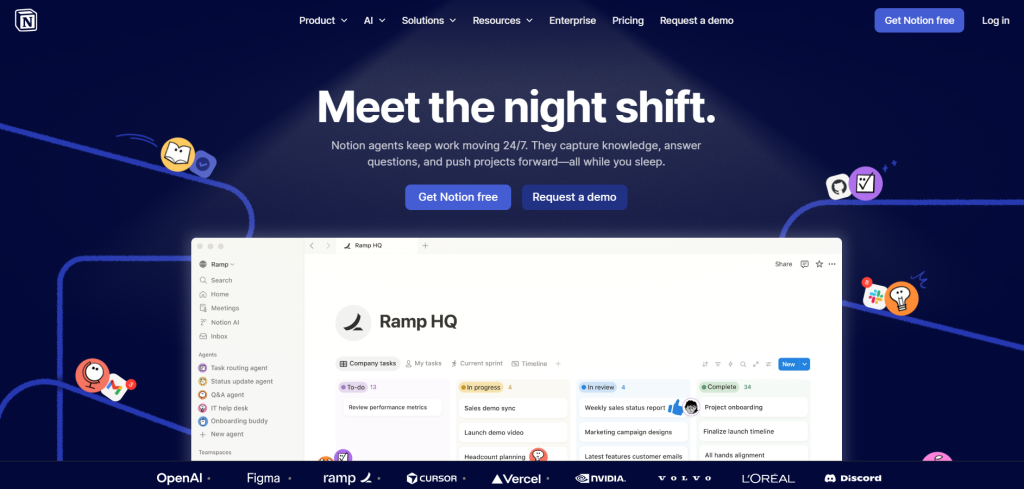
Notion has become the “all-in-one” darling because it allows teams to build their own custom operating systems. It’s not just a place to store docs; it’s a database-driven workspace.
- The 2026 Update: Notion AI “Autofill” Notion’s databases now feature AI Autofill. For example, if you paste a link to a competitor’s blog post into your editorial calendar, Notion AI can automatically extract the word count, primary keywords, and a summary into your table columns without you lifting a finger.
- Centralized Wikis: Teams use Notion to host Live Brand Voice Guides. These aren’t static PDFs; they are interactive pages where writers can test headlines against brand rules in real-time.
- Best For: Creative teams and startups that need a “Knowledge Base” and an “Editorial Calendar” to live in the exact same place.
- Pricing: Plus starts at $12/user/month; Business (with private team spaces) is $18/user/month.
Asana
While Notion is flexible, Asana is disciplined. It is built for complex content machines where a single blog post involves a writer, an editor, a graphic designer, an SEO specialist, and a legal reviewer.
- Standout Feature: Workflow Builder & Bundles Asana’s Workflow Builder allows you to automate the hand-off. When a writer clicks “Submit,” Asana automatically reassigns the task to the Editor, changes the due date, and notifies the Designer that the header image is ready to be made.
- The 2026 “Smart Status”: Asana now uses AI to provide Project Health Scores. If a designer is over capacity or a writer is consistently missing deadlines, the dashboard flags the “at-risk” project before it actually falls behind.
- Best For: Enterprise marketing departments or large agencies managing hundreds of assets simultaneously across different departments.
- Pricing: Starter at $10.99/user/month; Advanced (for cross-team scaling) at $24.99/user/month.
SEOBoost
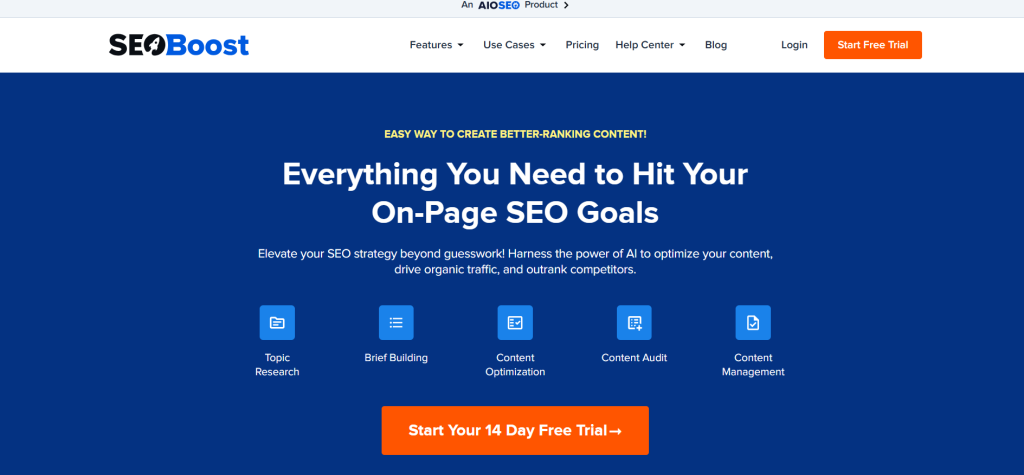
SEOBoost (often utilized alongside tools like Surfer or Clearscope) is a specialist tool. It doesn’t care about your company’s holiday calendar; it cares about whether your content is “mathematically” likely to rank.
- Standout Feature: The “Live” Content Brief Instead of a static Word doc, SEOBoost generates a Dynamic Brief. As you write, it checks your content against the top 10 real-time results on Google, suggesting missing subtopics and “NLP” (Natural Language Processing) terms you need to include.
- Post-Publish Audits: Most tools stop once you hit “Publish.” SEOBoost tracks your post’s performance and, if your rankings start to “decay” (drop), it sends an automated alert with a “Refresh Checklist” to get you back to the top.
- Best For: Content Leads and SEO Managers who want to ensure every single piece of content is “pre-optimized” before it ever reaches the CMS.
- Pricing: Basic starts at $30/month; Scale (for high-volume agencies) starts at $129/month.
| Capability | Notion | Asana | SEOBoost |
| Primary Goal | Knowledge Management | Task & Deadline Execution | Content Optimization |
| Structure | Free-form (Pages & Databases) | Structured (Lists, Boards, Timelines) | Guided (Briefs & Audits) |
| Collaboration | High (Commenting & Co-editing) | High (Assignees & Dependencies) | Moderate (Reviewer/Writer focus) |
| Best Used For | Storing briefs & strategy | Managing the production line | Ensuring the content ranks |
Advanced SEO and Content Audit Solutions
A strong SaaS SEO audit stack keeps your site healthy and prevents small errors from becoming large traffic losses. Advanced audit platforms combine page-level checks with site-wide analysis to protect rankings and performance.
All In One SEO
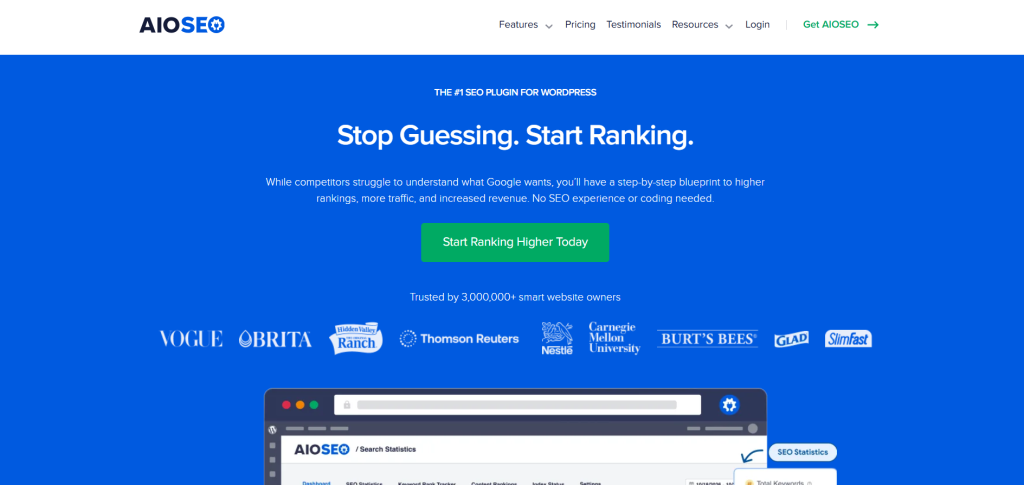
AIOSEO has evolved from a simple plugin into an AI-driven optimization suite specifically for WordPress. It’s designed for the “non-technical” editor who needs professional-grade results without touching code.
- The 2026 Update: AI Search Statistics & Content Decay Beyond simple grading, AIOSEO now integrates “Search Statistics” directly into your WordPress dashboard. It tracks Content Decay, flagging old posts that are losing rank so you can refresh them before they fall off page one.
- TruSEO 2.0: This isn’t just a checklist anymore. It uses a proprietary algorithm to score your content for “AI Selectability,” ensuring your formatting (like tables and lists) is optimized for Google’s AI Overviews.
- Best For: WordPress site owners and editorial teams who want “set it and forget it” technical SEO and real-time guidance while drafting.
- Pricing: Basic starts at $49.60/year (1 site); Pro is $199.50/year (adds internal link assistant and redirection manager).
Screaming Frog
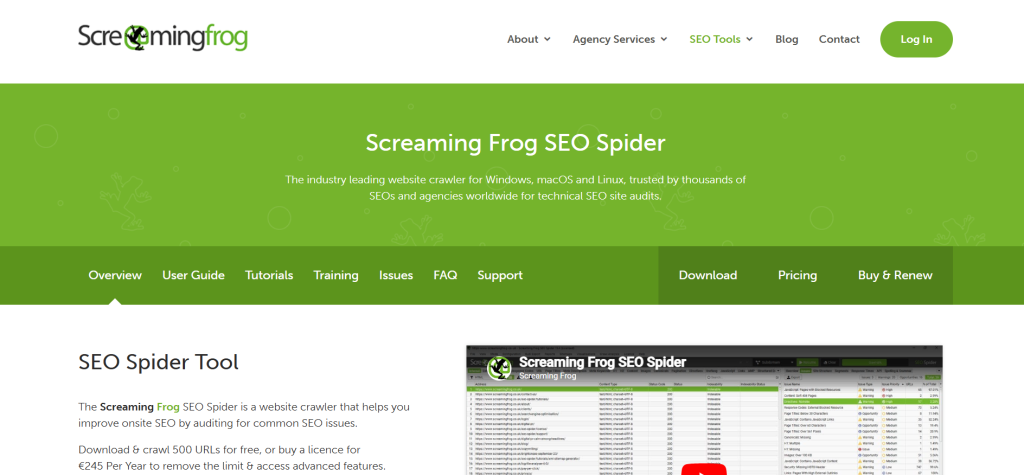
Screaming Frog remains the industry standard for “crawling.” While most tools live in the cloud, this desktop-based powerhouse (for Windows, macOS, and Linux) allows for a level of data granularity that cloud tools can’t match.
- Standout Feature: Semantic Similarity & Cluster Analysis In its latest version (v22.0+), the Frog introduced Semantic Similarity. It uses LLMs to compare pages and find “near-duplicates” that aren’t exact code matches but cover the exact same topic, helping you kill Keyword Cannibalization instantly.
- Visual Site Architecture: It can generate 3D “Force-Directed Diagrams” of your site. This lets you see, at a glance, if your most important content is buried too deep (e.g., more than 3 clicks from the homepage).
- Best For: Technical SEOs, developers, and agency leads performing deep site migrations or large-scale audits (10,000+ pages).
- Pricing: Free (up to 500 URLs); Paid License is $259/year (unlimited URLs and advanced features like JavaScript rendering).
ContentKing
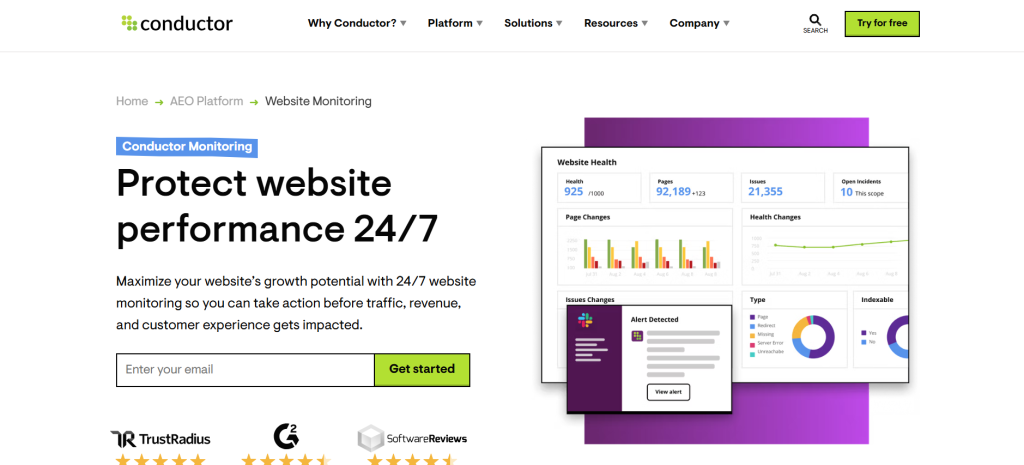
ContentKing’s philosophy (now part of Conductor) is that “SEO never sleeps.” Unlike Screaming Frog, which you run manually, ContentKing is a 24/7 cloud monitor that alerts you the moment something changes on your site.
- Standout Feature: Instant Alerting & Change Tracking If a developer accidentally pushes a noindex tag to your live site or a CMS glitch wipes out your H1 tags, ContentKing sends a “High Severity” alert to your Slack or Email within minutes. It also keeps a full version history of every page, so you can see exactly what changed and when.
- The Conductor Integration: Now part of the Conductor ecosystem, it offers “Smart Segments,” allowing you to monitor high-revenue product pages more intensely than your “About Us” or “Contact” pages.
- Best For: E-commerce brands, news sites, and enterprise teams where a single hour of “broken” SEO can lead to thousands of dollars in lost revenue.
- Pricing: Starts at $139/month (Basic) and scales based on the number of pages monitored.
| Tool | Focus | Frequency | Workflow Role |
| AIOSEO | On-Page Perfection | During Creation | Ensuring a post is “ready to rank” before it goes live. |
| Screaming Frog | Technical Foundation | Periodic/Deep-Dive | Finding broken links, loops, and duplicate content at scale. |
| ContentKing | 24/7 Integrity | Real-Time | Protecting your site from accidental errors and “SEO disasters.” |
Strategic Link Building and Outreach Software
Winning backlinks requires both human outreach craft and software that removes manual friction. The right mix helps teams scale outreach while keeping conversations personal.
BuzzStream
BuzzStream is the “memory” of your outreach team. It’s designed to ensure that if a teammate spoke to a journalist two years ago, you don’t accidentally send them a generic “cold” email today.
- The 2026 Update: Digital PR Analytics BuzzStream has expanded its reporting to track more than just links. It now integrates with tools like Ahrefs to show the estimated traffic and authority impact of the links you’ve won, allowing you to prove the literal dollar value of your outreach to stakeholders.
- Smart Relationship Tracking: When you browse the web using the BuzzStream BuzzMarker extension, it instantly tells you if anyone on your team has interacted with that site before. It even flags if a site has a “Blacklist” status (e.g., they charge for links or are a known link farm).
- Best For: Agencies and mid-sized teams that manage long-term relationships with journalists, bloggers, and influencers.
- Pricing: Starter at $24/mo; Growth (most popular for teams) at $124/mo.
Pitchbox
If BuzzStream is a CRM, Pitchbox is a “beast of a machine” built for high-volume, high-precision scaling. It’s the tool used by top-tier SEO agencies to manage hundreds of campaigns simultaneously.
- Standout Feature: Pipeline Automation & AI Personalization Pitchbox’s 2026 update includes Bulk AI Personalization. It can scan a prospect’s recent blog posts and automatically insert a unique, relevant compliment or reference into your email draft. This maintains a “human touch” even when you are reaching out to 500 prospects at once.
- Native SEO Integrations: Pitchbox doesn’t make you guess which sites are worth your time. It pulls data directly from Ahrefs, Semrush, and Moz so you can filter your prospect lists by Domain Rating (DR) or Organic Traffic immediately.
- Best For: Enterprise SEO teams and “scale-first” agencies that need to automate follow-ups and track massive outreach pipelines.
- Pricing: Pro starts at $165/mo (2 users); Advanced at $420/mo (unlimited users and AI personalization).
Hunter
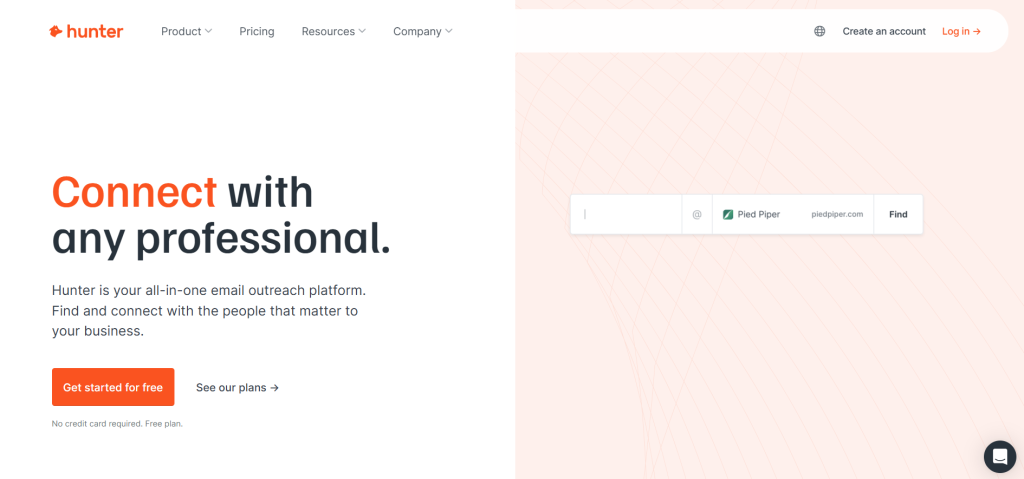
Hunter (Hunter.io) is the “key” that unlocks the door. Without a verified email address, the best pitch in the world is useless. In 2026, Hunter has moved beyond just “finding” emails to “protecting” your sender reputation.
- Standout Feature: Unified Credit & Auto-Verification Hunter now uses a Unified Credit System. When you search for a lead, it automatically verifies the email in the background. If the email is “risky” (likely to bounce), it warns you before you send, protecting your domain from being flagged as spam.
- The “Signals” Feature: Hunter now offers Signals, which alerts you when a company has a “buying signal”, such as a new job opening for a “Content Manager” or a recent funding round. This tells you exactly when a company is most likely to be open to collaboration.
- Best For: Individual contributors, SDRs, and link-builders who need to find specific decision-makers (like Editors or Marketing Directors) quickly.
- Pricing: Free (50 monthly credits); Starter at $34/mo (2,000 credits); Growth at $104/mo (10,000 credits).
| Feature | BuzzStream | Pitchbox | Hunter |
| Primary Role | Relationship Management (CRM) | High-Volume Campaigning | Contact Discovery & Verification |
| Best Workflow | Long-term Digital PR | Aggressive Link Building | Lead Generation & Prospecting |
| Integrations | Strong (Ahrefs, Moz) | Deep (Ahrefs, Semrush, Majestic) | Wide (HubSpot, Salesforce, Zapier) |
| Secret Weapon | History Tracking (Who said what) | AI-Powered Bulk Personalization | 98% Accuracy Verification |
Why SaaS SEO Tools Are Vital for Growth
Organic search remains the most cost-effective channel for steady lead growth in subscription-based markets. It delivers high-intent visitors at a lower cost than most paid channels.
Driving Organic Acquisition
Using focused keyword research and performance tracking helps teams find the exact topics that convert visitors into trial users. Targeting high-intent keywords can cut acquisition costs by up to 40% when paired with the right tracking and content work.
These platforms provide data and actionable insights to outrank competitors and build domain authority. That matters most in crowded niches like CRM and fintech where backlinks and topical depth drive ranking and traffic.
- Lower CAC: Organic leads often cost less per acquisition than ads.
- Conversion focus: Research reveals topics that move users down the funnel.
- Scalable growth: Consistent content and tracking create long-term traffic gains.
| Impact | Primary Benefit | How to Measure |
| Keyword targeting | Higher intent traffic | Conversion rate & keyword ranking |
| Content alignment | Better user journeys | Pages per session & trial signups |
| Performance tracking | Faster optimization | Traffic, rankings, and CAC |
How to Select the Right Stack for Your Business
A smart stack balances affordable features with the integrations your workflows need.
List core needs: keyword research, content optimization, tracking, and integration with your CRM or analytics dashboards. Match those requirements to products that solve specific problems rather than buying broad suites that add cost and complexity.
For startups: favor budget-friendly options that still deliver solid research and rank tracking. SE Ranking offers entry-level pricing and enough capability to build a repeatable process without heavy overhead.
For mid-sized agencies and growing companies: choose scalable platforms like Semrush or Ahrefs that provide API access and multi-account management for handling many clients or projects.
- Assess technical skill in your team before selecting advanced features.
- Prioritize integrations that feed data into dashboards and CRMs.
- Pick products that map directly to measurable growth metrics.
| Company Size | Primary Need | Recommended Product Type | Key Benefit |
| Startup | Keyword research & rank tracking | Budget-friendly platforms (e.g., SE Ranking) | Low cost, immediate ROI |
| Mid-sized agency | Multi-client management & competitor analysis | All-in-one suites with APIs (e.g., Semrush, Ahrefs) | Scalability and integration |
| Growing product team | Content optimization & performance tracking | Platforms with content auditing and analytics sync | Better on-page results and clearer insights |
Evaluating Data Accuracy and Freshness
Accurate, up-to-date metrics are the backbone of any successful organic strategy. Decisions based on stale data can waste time and budget. Teams need a clear line of sight to how pages and keywords perform now, not days later.
Use Google Search Console as your baseline. It supplies first-party data on indexing, clicks, and site health. That raw feed helps validate third-party dashboards.
Many platforms lag by up to 48 hours. Check a tool’s update cadence before you rely on its analysis. Frequency matters for backlink indexes and keyword databases.
- Prioritize platforms with real-time or hourly tracking for fast releases.
- Verify how often keyword and backlink data refresh to avoid chasing old trends.
- Use first-party sources to confirm critical audit results and fix issues quickly.
| Data Source | Typical Update Frequency | Best Use | Watch For |
| Google Search Console | Near real-time | Indexing status & click data | Sampling delays on large sites |
| Third-party dashboards | Daily to 48 hours | Competitive keyword tracking | Lag in backlink and rank data |
| Real-time monitors | Minutes to hourly | Immediate alerts for deployment issues | False positives on transient errors |
Balancing Budget and Scalability
Mixing usage-based pricing with selective upgrades prevents runaway subscription costs. SE Ranking’s usage model shows how agencies can add capacity as clients grow without high fixed fees.
List must-have features and the exact data you need for keyword research and ranking analysis. Focus on products that cover those priorities well.
It is often smarter to buy a few high-impact items than an expensive, all-in-one suite. Specialized audit and tracking software can deliver faster wins for site health and traffic than broad packages.
- Choose platforms that scale by usage or seats to avoid exponential cost jumps.
- Regularly audit subscriptions to remove overlap and free budget for higher ROI initiatives.
- Prioritize tools that offer strong support and clear upgrade paths as pages and projects increase.
| Approach | Best For | Key Advantage |
| Usage-based pricing | Agencies with variable client loads | Cost grows with demand, not upfront |
| Tiered enterprise plans | Teams adding features over time | Start lean, unlock advanced features later |
| Specialized audits & tracking | Sites needing technical fixes | Faster issue resolution and clearer data |
Integrating SEO into Your Broader Marketing Motion
When search insights feed your CRM, teams can connect content to closed deals and long-term retention. Integrating analytics with HubSpot or Salesforce closes the attribution loop and proves the value of organic pages.
Embed content optimization into the editorial flow: make sure every draft passes checks before review. That keeps tone consistent and aligns pages with user intent ahead of publication.
Don’t let organic work live in a silo. Feed performance metrics into campaign dashboards and social media calendars so product, sales, and comms act on the same signals.
- Link page metrics to CRM events to track trial starts and churn impact.
- Weave optimization checks into the writing process for fewer revisions.
- Use shared dashboards so teams plan campaigns from the same data.
| Integration | Primary Benefit | Best For |
| CRM sync (HubSpot/Salesforce) | Attribution for content-driven revenue | Marketing & sales alignment |
| Editorial optimization tools | Faster publish-ready drafts | Editorial teams |
| Analytics to campaign dashboards | Unified performance view | Cross-channel campaigns |
Queen of Clicks helps bridge the gap between organic work and revenue. Their approach ensures your organic strategy contributes directly to business outcomes.
Future Proofing Your Organic Search Strategy
Preparing your site for future algorithm shifts means building systems that adapt, not just react. Start with regular technical SEO audits that catch indexing or page speed regressions early. Small fixes prevent big ranking drops.
Focus on topical authority, map topics and create clusters of pages that answer user intent. High-quality backlink acquisition from relevant sites strengthens domain authority and reduces vulnerability when features change.
Use tracking and data to spot traffic shifts, update content, and rework keywords before competitors do.
- Run routine site audits and address technical issues quickly.
- Prioritize content depth and link quality over quick wins.
- Adopt flexible stacks so new search features and ranking signals are easier to implement.
Queen of Clicks offers ongoing strategy and implementation for companies that need hands-on guidance. Their approach aligns analysis, metrics, and execution so growth stays steady as the search landscape evolves.

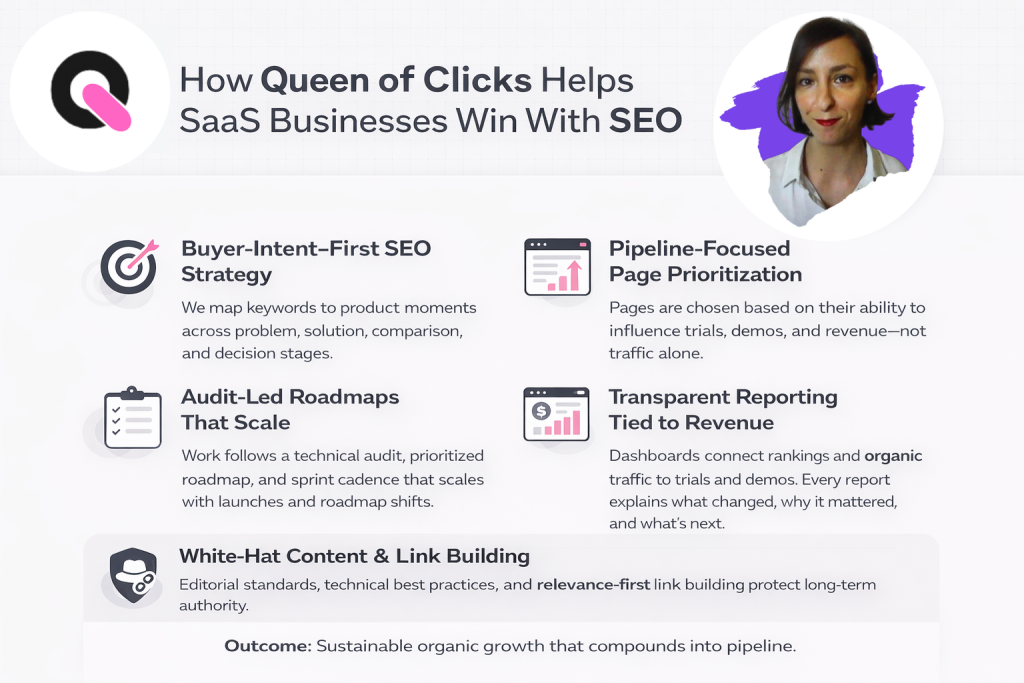
How Queen of Clicks Helps SaaS Businesses Win Organic Search
Queen of Clicks partners with product teams to turn content into measurable growth. We design clear roadmaps that link pages to conversions and long-term revenue.
Our team runs a compact audit of your stack, pinpoints quick wins, and builds a phased plan for sustainable growth. We work directly with your internal stakeholders to reduce handoffs and speed results.
- End-to-end alignment: content, technical fixes, and outreach tied to product goals.
- Hands-on support: implementation assistance so recommendations become real improvements.
- Market focus: strategies tailored for SaaS companies and target audiences.
We bring subject matter depth in SaaS SEO and conversion-driven marketing. That means fewer experiments and more predictable outcomes for trial signups and retention.
Ready to scale? Book a call with Queen of Clicks and start turning search traffic into a reliable acquisition channel.
Conclusion
The right software mix turns fragmented processes into a steady acquisition engine.
Selecting the right SaaS SEO options will help you build a durable organic search strategy. Focus on platforms that deliver accurate data and clear, actionable insights so your team can produce better content and move faster.
Prioritize systems that integrate with your marketing stack and match your team’s workflow. Regularly audit subscriptions to keep costs down and impact high.
Ready to scale? Reach out to Queen of Clicks for a tailored strategy session and start turning search traffic into measurable growth.
FAQs
How do SaaS SEO tools support different stages of the funnel?
SaaS SEO tools help map keywords and content to each stage of the buyer journey, from awareness (educational queries) to consideration (comparisons) and decision (demo or pricing searches). This ensures you capture and convert traffic at every step.
Can SaaS SEO tools help improve conversion rates, not just traffic?
Yes. Many tools provide on-page recommendations, user behavior insights, and A/B testing integrations that help optimize pages for signups, demos, and trials.
How often should you use SaaS SEO tools for analysis and updates?
Most teams use them weekly for tracking rankings and monthly for deeper audits and content updates. High-growth teams may monitor key metrics daily.
Are free SaaS SEO tools enough for early-stage startups?
Free tools can cover basics like keyword research and indexing, but they lack depth in competitor analysis, automation, and scalability needed for consistent growth.
What integrations should you prioritize in SaaS SEO tools?
Focus on integrations with analytics platforms, CRMs (like HubSpot or Salesforce), and content management systems to connect SEO efforts with revenue and user behavior.
Do SaaS SEO tools replace the need for an SEO expert?
No. Tools provide data and automation, but strategy, prioritization, and execution still require human expertise to drive meaningful results.
How do you measure ROI from SaaS SEO tools?
Track metrics like organic traffic, keyword rankings, cost per acquisition (CAC), trial signups, and revenue influenced by organic search.
What are common mistakes when using SaaS SEO tools?
Relying only on one platform, ignoring data accuracy, over-automating content without quality control, and not aligning SEO insights with business goals are the most common pitfalls.